Diff
Get diffs between text and binary data.
Diff tool visualizes differences between any two data in a familiar format. It easily integrates with other tools to quickly compare any two requests or responses.
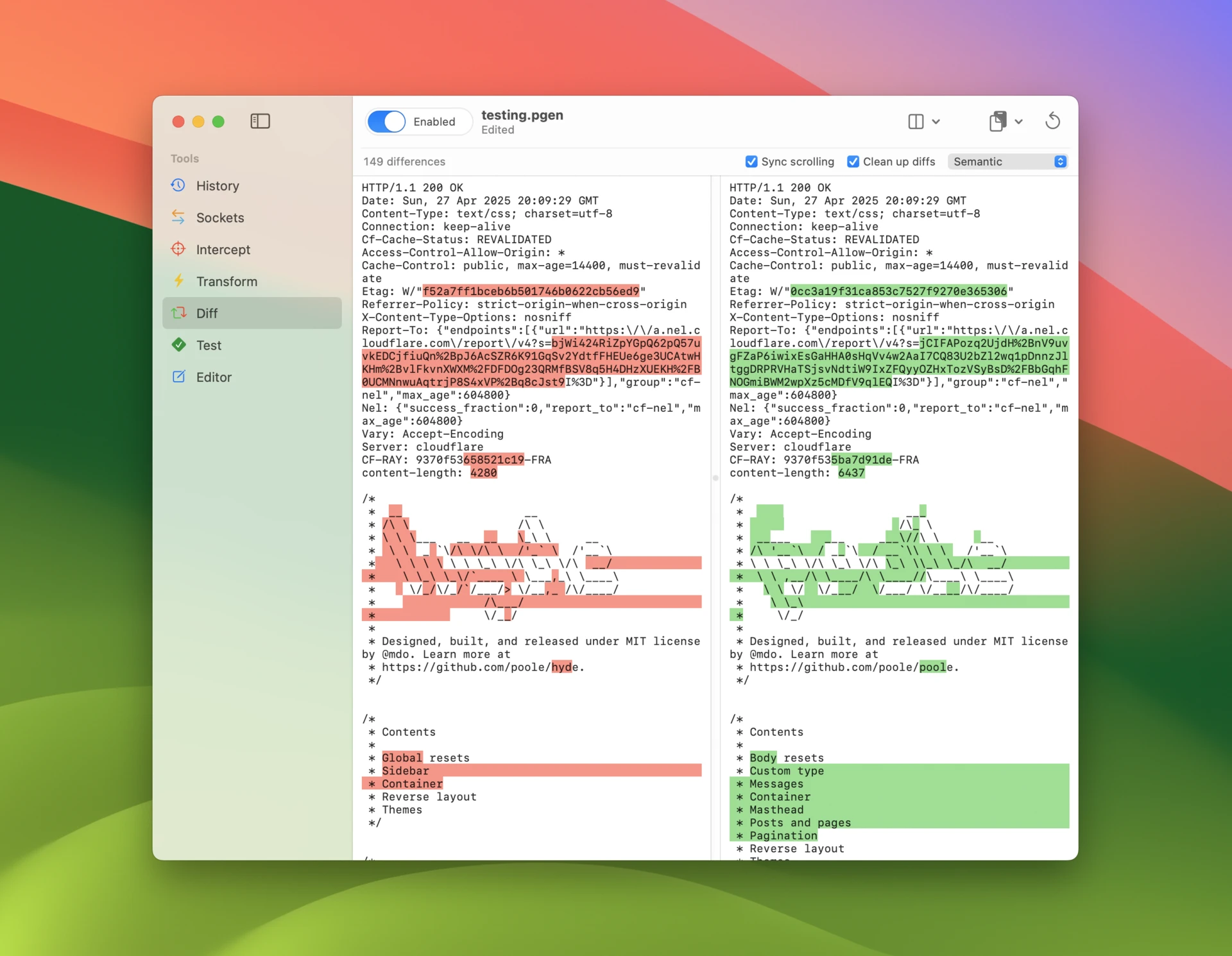
How to diff data
Select a message in any other tool and use the context menu to send it to Diff tool. If you select exactly two messages in History, you can directly to diff their requests or responses with keyboard shortcut command-d (requests) or shift-command-d (responses).
You can also use any of the following methods to bring data into Diff tool:
- Paste data from clipboard to either side using the Paste buttons.
- Load data from a file to either side using the Load buttons.
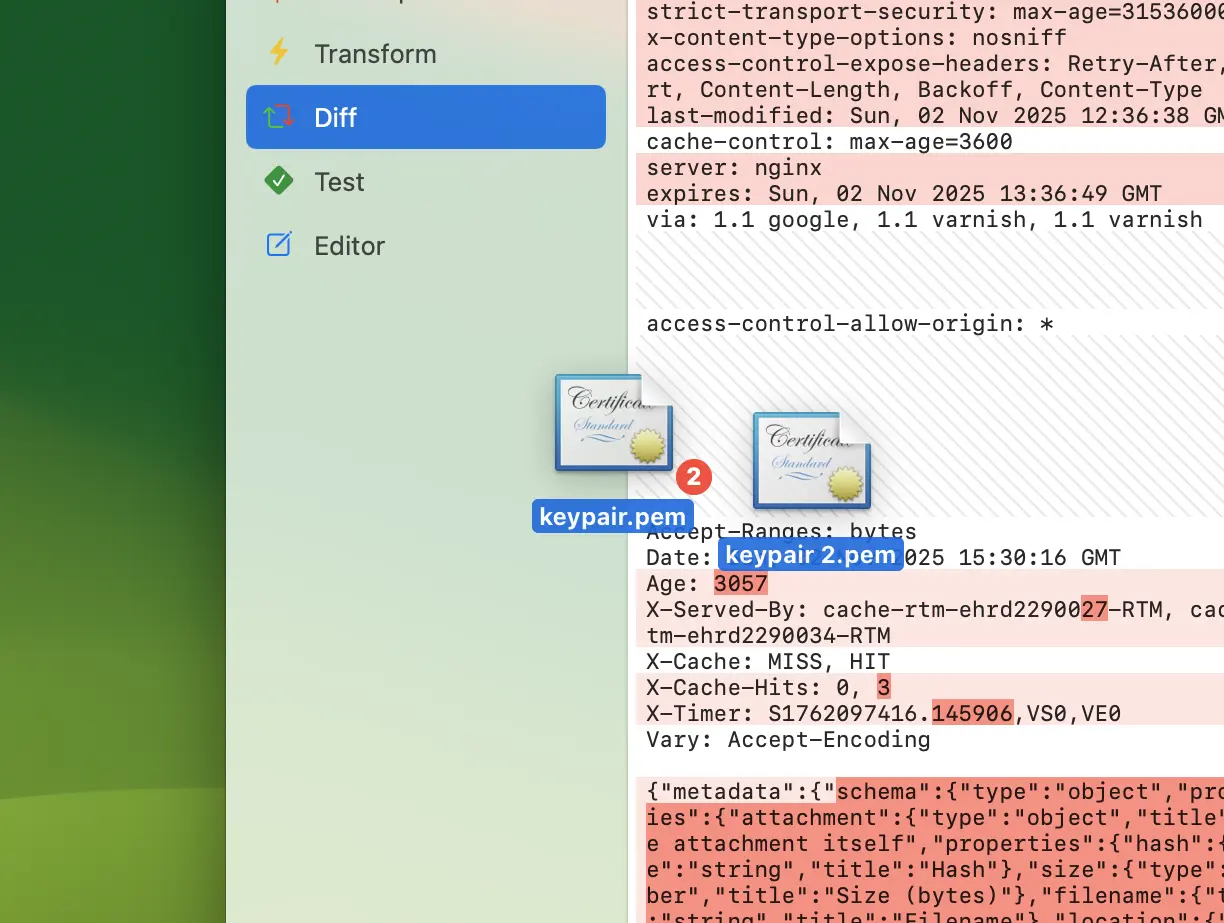
- Drag and drop files or text directly to either side.
Toolbar buttons let you Swap contents of left and right side, copy data from left to right or right to left, or Reset state of the tool clearing both sides.
Diffing options
Diff tool can show text in two layouts. Toggle between these using the Unified view option in the accessory bar.
- Split view shows two texts side by side for easy comparison.
- Unified view combines deletions and insertions in one view.
Toggle Wrapped lines to enable or disable line wrapping in either layout.
Diff tool has two granularity modes:
- Word combines differences in each work to one.
- Character that looks for individual differences.
Note that in text mode diffs are automatically simplified using a semantic cleanup algorithm.